
Add Your Own Custom Trivia & Water Cooler Questions
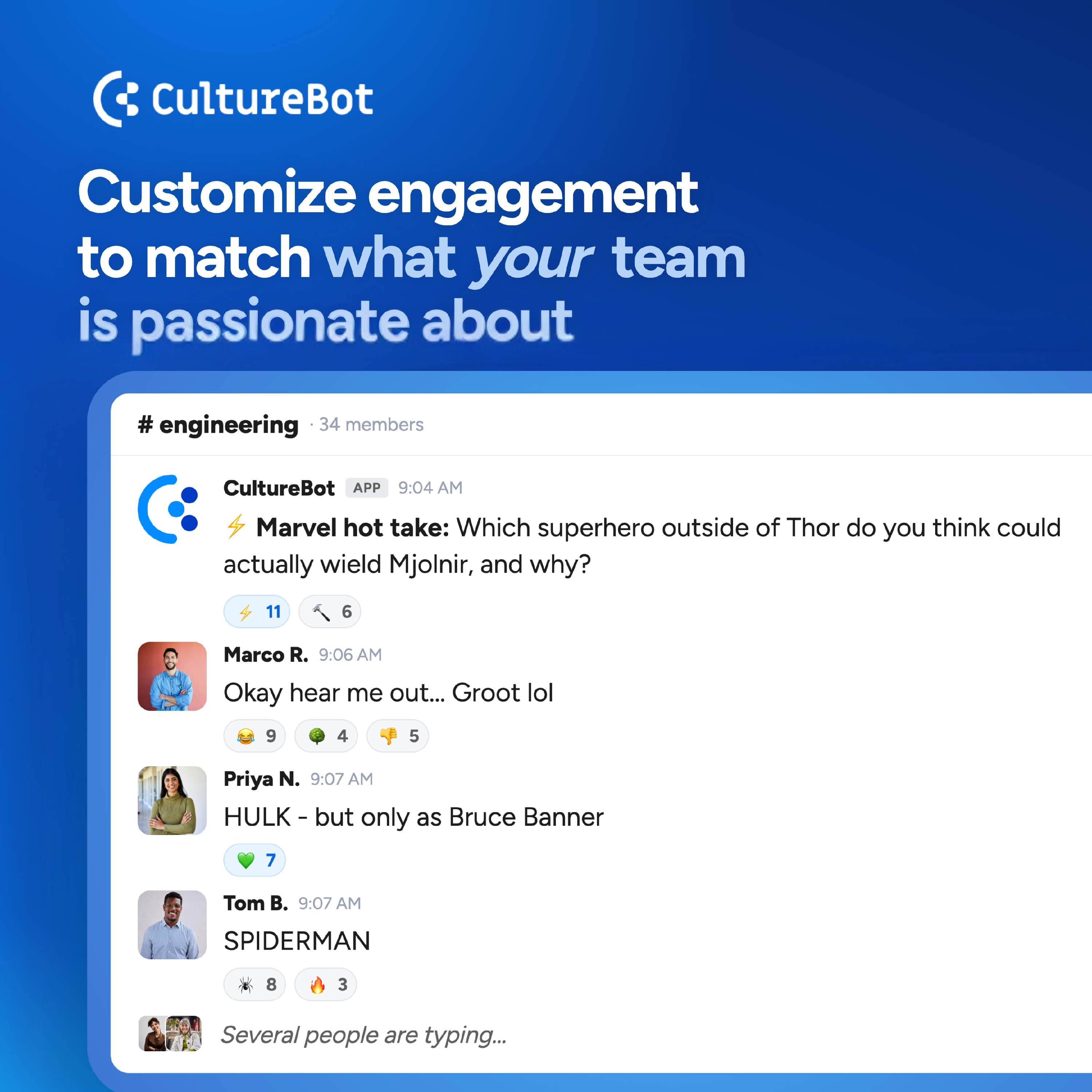
Trivia and Water Cooler each come with a large question library, and both let you add your own. Write questions about your company history, your industry, your Sales team's favorite soccer team, or your engineering team's favorite hobbies, and CultureBot works them into your games and conversation starters.
Start With a Pack
Custom content lives in packs, so create a pack first, then fill it. You need admin access in CultureBot.
- Trivia: Go to Trivia > Custom Packs tab, and click Add Pack.
- Water Cooler: Go to Water Cooler > Custom Topics tab, and click Add New Pack.
Give the pack a name and save it.
Add Questions and Prompts One-By-One
Open a pack, then add items one at a time.
- Trivia: Click "Add question", then enter the question, the one correct answer, and three incorrect answers. Difficulty and an image are optional.
- Water Cooler: Click "Add prompt", then enter your conversation starter. An image or GIF URL is optional. We recommend using GIPHY for easy to find GIF URLs.
Import Multiple at Once With a CSV
To add a batch of trivia questions or water cooler prompts, open the three-dot menu on the pack (on the right-hand side of the screen) and choose "Import CSV".
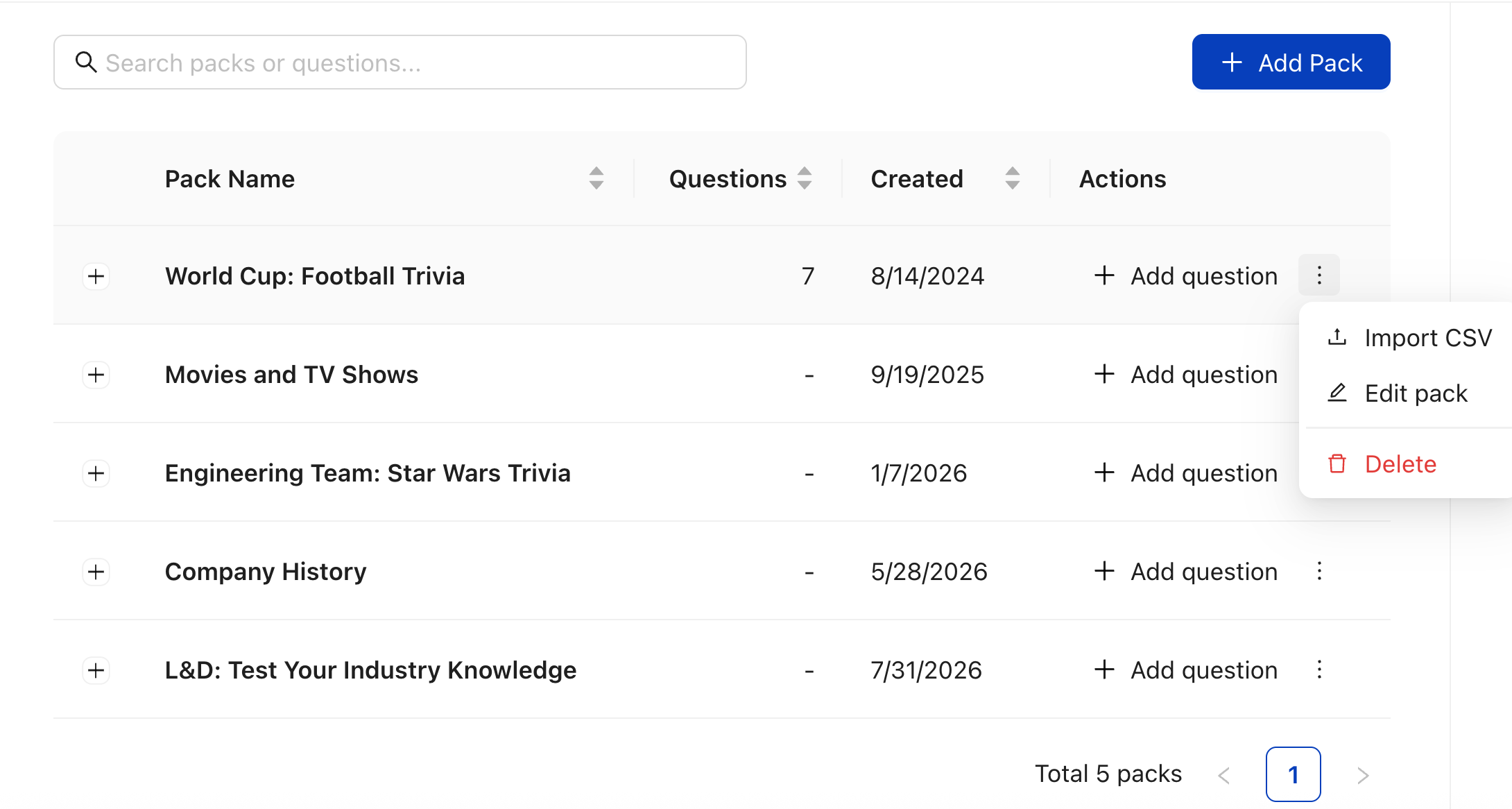
Click "Download sample CSV" to start from a template, fill it in, and upload it. Your file must be a CSV under 1 MB, and CultureBot shows how many rows imported and flags any that need fixing.
Include a header row with these columns:
- Trivia:
Question,Correct Answer,Incorrect Answer 1,Incorrect Answer 2,Incorrect Answer 3,Difficulty,Image URL. - Water Cooler:
Topic,Description(the prompt itself),URL Image.
Put Your Pack to Work
Create or edit a Trivia instance and choose your pack under Topics, or create a Water Cooler instance and find your custom pack under Custom Topics. You can mix custom and built-in packs in the same activity.
For a deeper walkthrough of custom conversation starters, see Create and Edit Custom Watercooler Packs. To let AI generate conversation starters from a few topics you name, see How To Use AI Water Cooler Topics.
Tip: Schedule weekly recurring Water Cooler Prompts in any channel under the Water Cooler feature in "Instances".
Schedule recurring Trivia as well, or play on demand by typing
/triviain any public channel.